
On-device detection
Local models spot names, emails, phone numbers, and IDs without sending a single byte anywhere.
Every name, number, and address in your draft is exposed to the AI. PII GUI redacts them first—so the model never sees the real data.
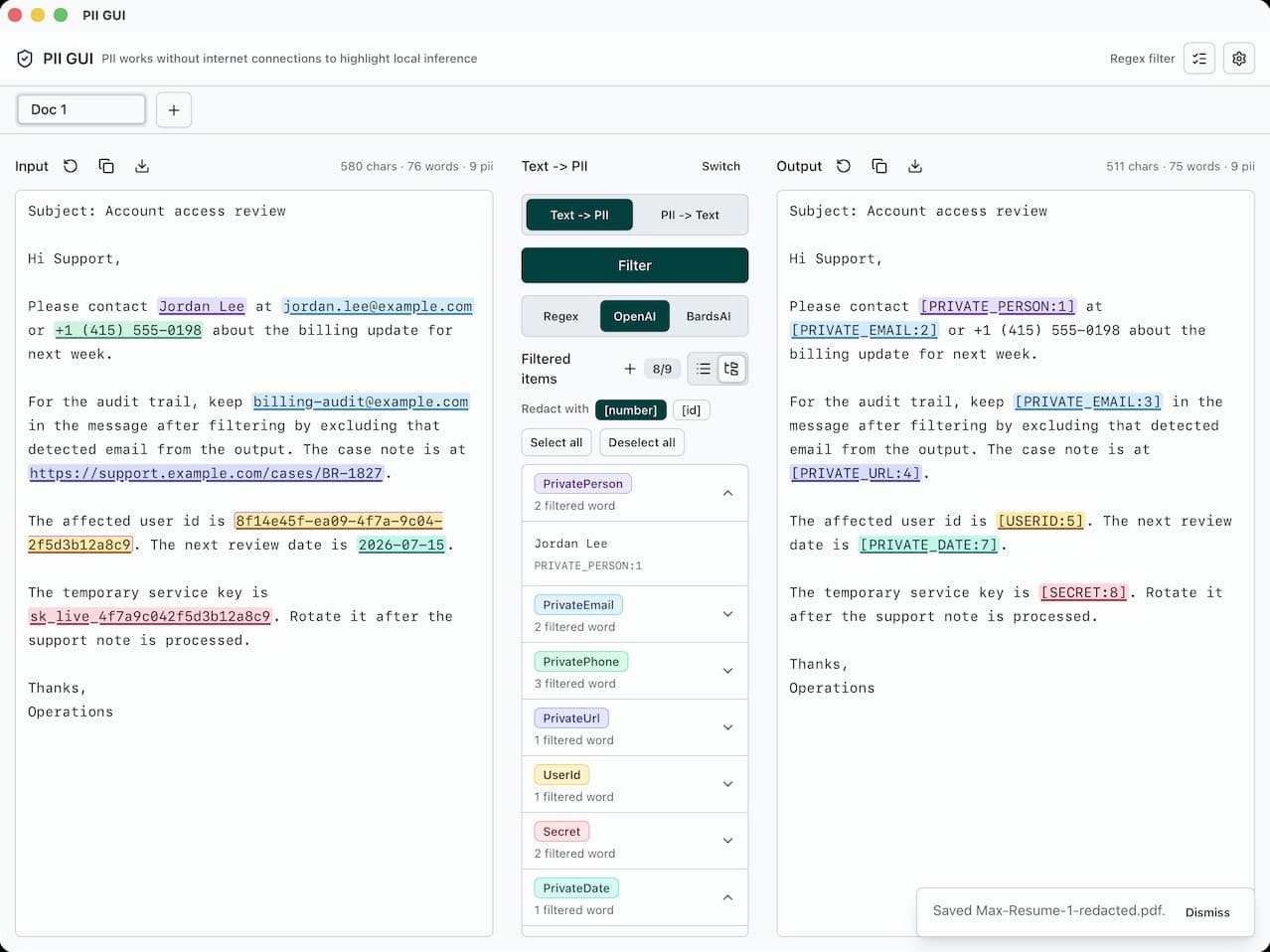
An everyday email—full of personal data. Hit Redact to clean it up.
PII GUI finds and redacts names, emails, phone numbers, and other personal data in your documents using local AI models—entirely on your device. Supports text, Markdown, and PDF files.
Perfect for contracts, medical records, HR files, support logs, and any document you need to share without sharing everyone in it.
The desktop app is free—no paid plan, no trial clock.
Detection runs on-device with local models. Nothing is uploaded, ever.
Open the app and start redacting. No account needed.
Detection, review, filters, and export live together—so cleaning up a document never means juggling tools or trusting a black box.
Local models spot names, emails, phone numbers, and IDs without sending a single byte anywhere.
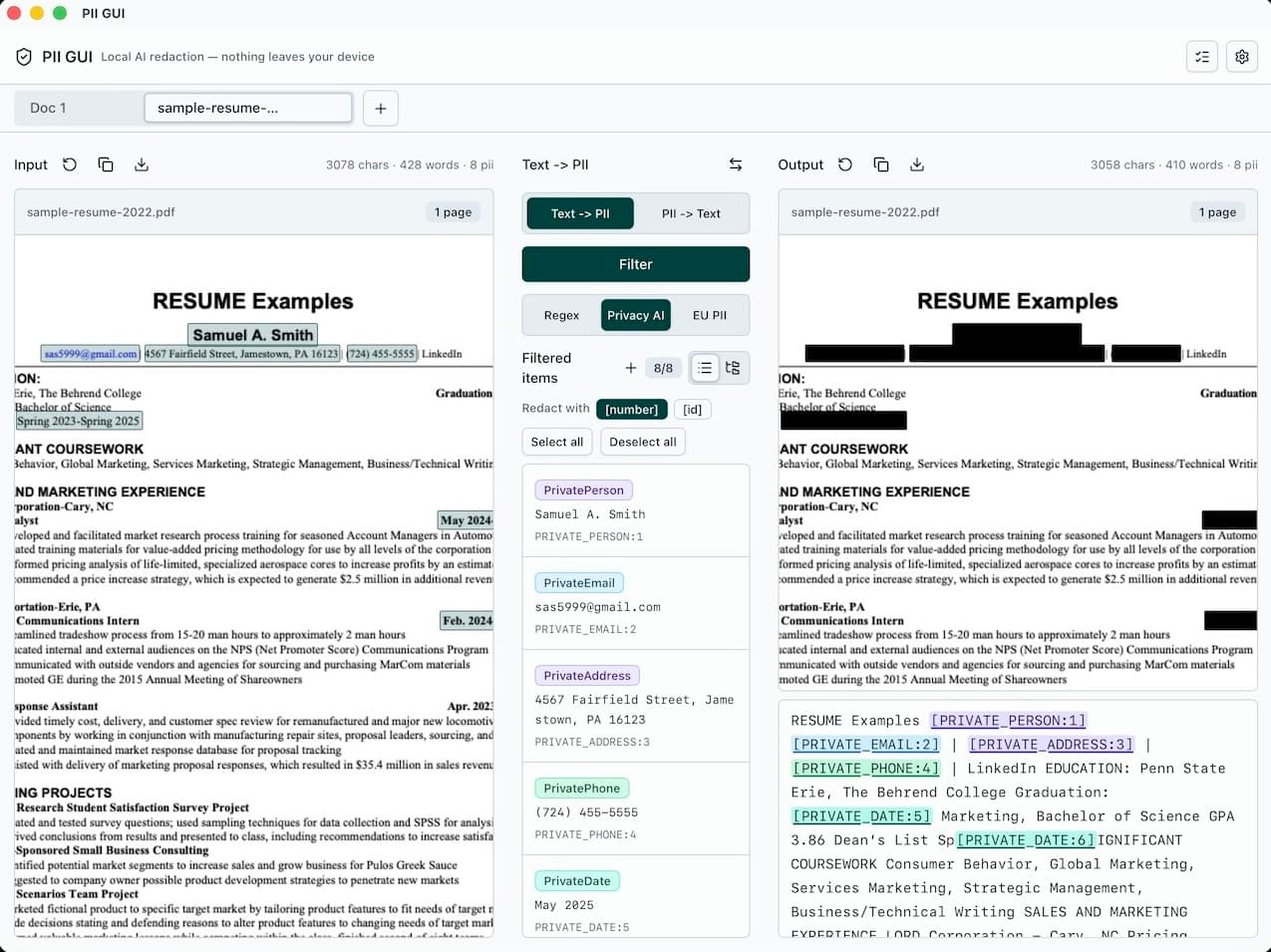
Export PDFs with sensitive text actually removed—not just covered with a box.
Every detection is highlighted in place, so you decide what stays and what goes.
Add your own patterns for account numbers, case IDs, or anything the models can't know.
Open text, Markdown, and PDF documents and export cleanly redacted copies.
Download the app and start redacting—no sign-up, no login.
Everything happens in one window, on one machine—yours.
1
Drop in a PDF or paste text. The local model downloads once and works offline from then on.
2
Personal data is highlighted in place. Toggle anything on or off, and add regex filters for your own patterns.
3
Save a redacted PDF or text file with the sensitive content removed for good.
Install the app, download the detection models once, and keep every document and redacted export on your machine.